When it comes to digital marketing, precision in tracking can make the difference between a thriving campaign and wasted ad spend. That’s where custom UTM parameters come in.
I’ve personally used custom UTM parameters to uncover invaluable insights, allowing me to double down on high-performing campaigns and pivot away from those not delivering results.
In this guide, I’ll walk you through how to use custom UTM parameters effectively, including real-world examples from my work at Apexure and waseembashir.com. You’ll also discover how custom UTM parameters can give you an edge in your campaign tracking.
Table of Contents:
- What Are Custom UTM Parameters?
- Why Use Custom UTM Parameters?
- How to Create Custom UTM Parameters?
- Real-Life Examples of Custom UTM Parameters
- Want to Learn More About Custom UTM Parameters
- FAQs About Custom UTM Parameters
- Conclusion
- What Are Custom UTM Parameters
- Link Icon
- How to Add UTM Parameters to Google Ads
Why Use Custom UTM Parameters?
Using Custom UTM Parameters provides deeper insights and allows you to:
- Improve attribution accuracy – Track user behavior more precisely.
- Enhance reporting – Create Custom URL Parameters for specific use cases.
- Optimize paid campaigns – Implement custom parameters for Google Ads for better targeting.
By leveraging custom UTM parameters in Google Analytics, you can make more data-driven decisions and refine your strategy over time.
How to Create Custom UTM Parameters?

Here’s my step-by-step guide:
1. Define Your Objectives
Ask yourself:
- What additional information do I need from my campaigns?
- How will this data inform my decisions?
For example, if you run a multi-region campaign, you might create utm_region to differentiate between geographic audiences.
2. Standardize Your Parameters
Custom UTM parameters in Google Analytics require consistent naming conventions. I recommend:
- Using lowercase.
- Avoiding spaces (use underscores or hyphens).
- Documenting all parameters in a shared file (I use Google Sheets).
3. Add Custom Parameters to URLs
Custom UTM parameters are added like regular ones.
Here’s an example:
Using GA4 Custom Parameters, you can refine your tracking further.
4. Integrate Custom UTMs into Your Analytics
Most analytics tools, like Google Analytics, automatically track standard UTMs. For custom UTM parameters, you’ll need to set up custom dimensions or reports. If you’re tracking YouTube video campaigns, using custom UTM parameters can help you analyze performance effectively.
Learn how in our guide on:
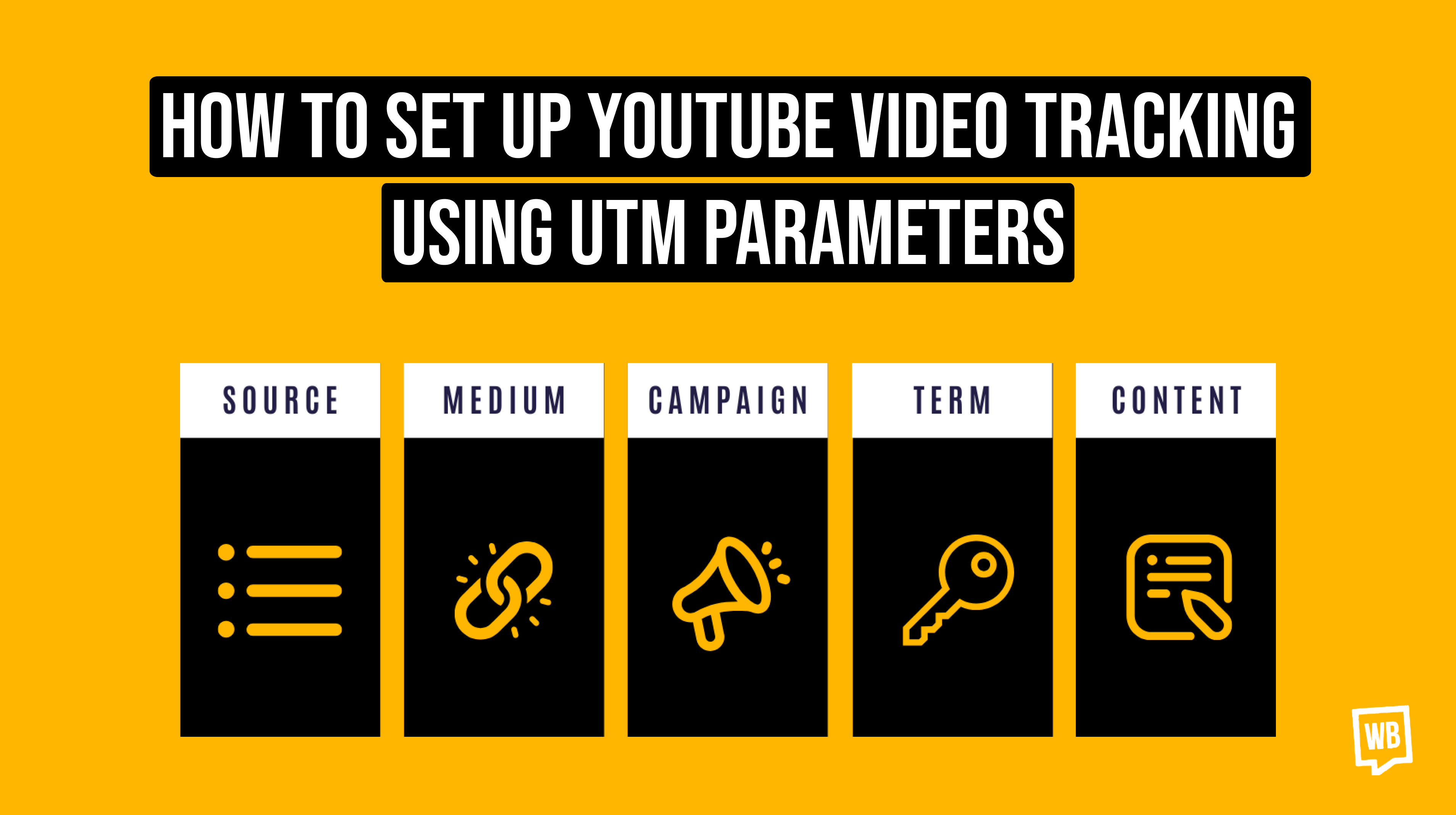
 How to Set Up YouTube Video Tracking Using UTM Parameters
5. Test Your URLs
Click on the links and ensure the custom UTM parameters appear correctly in your analytics platform. This is a step I never skip—it saves hours of troubleshooting later.
Recommended Read: UTM best practices
Real-Life Examples of Custom UTM Parameters
1. Tracking Individual Team Members
When managing sales teams, I assign each member a unique parameter:
utm_source=email&utm;_medium=signature&utm;_campaign=brand&utm;_person=jane-doe
This helps me understand who’s driving conversions and optimize outreach strategies.
2. Affiliate Campaigns
For affiliates, I add utm_affiliate_name to differentiate traffic sources:
utm_source=affiliate&utm;_medium=referral&utm;_campaign=product-launch&utm;_affiliate_name=partner123
This ensures accurate attribution and allows for better commission tracking.
3. A/B Testing
To track A/B testing performance, I use:
This lets me see which test group drives better results.
Benefits of Custom UTM Parameters
- Hyper-Specific Attribution: Know exactly who or what is driving your success.
- Improved Collaboration: Share insights with team members or partners in granular detail.
- Optimized Campaigns: Use detailed data to tweak underperforming campaigns or double down on winners.
Using custom UTM parameters in Google Analytics, you gain access to refined insights that enhance campaign performance.
Common Pitfalls (and How to Avoid Them)
- Inconsistent Naming: Always standardize your parameters. A mix of utm_region=US and utm_region=us will split your data.
- Parameter Overload: Keep your URLs concise. Don’t add unnecessary parameters.
- Skipping Documentation: Always maintain a centralized record of parameters for team reference.
If you’re using WordPress to manage your campaigns, it’s important to track UTMs effectively.
Recommended Read: WordPress UTM Tracking
Want to Learn More About Custom UTM Parameters
If you’re ready to dive deeper, my UTM Attribution Course covers everything from basic setup to advanced strategies like creating custom UTM parameters. You’ll learn how to:
- Build effective tracking systems.
- Analyze data for actionable insights.
- Optimize campaigns for maximum ROI.
Join today and transform your marketing analytics!
FAQs About Custom UTM Parameters
What are Custom UTM Parameters?
Custom UTM parameters are additional parameters beyond the standard five (source, medium, campaign, content, term) that help capture specific details, such as the salesperson responsible or the region targeted.
How do I set up Custom UTMs in Google Analytics?
You need to create GA4 Custom Parameters in Google Analytics by navigating to Admin > Custom Definitions > Custom Dimensions.
What’s the difference between standard and Custom UTM Parameters?
Standard UTMs track common attributes like source and medium, while Custom UTM Parameters allow for unique tracking needs, such as team performance or geographic data.
Do Custom UTMs work with all analytics tools?
Most tools support Custom UTM Parameters, but you may need to configure them. For example, in Google Analytics Custom Variables, you’ll need to set up custom reports.
Can I use Custom UTMs with offline campaigns?
Yes! Use unique URLs or QR codes with Custom UTM Parameters to track offline efforts, such as print ads or event registrations.
Are there any drawbacks to using Custom UTMs?
The main risk is complexity. Overloading URLs with too many Custom UTM Parameters can lead to confusion and clutter. Stick to what’s essential.
Custom UTM Parameters: Designed for marketing and analytics, helping track campaign performance. Custom URL Parameters: More general, used for dynamic website functionalities.
Conclusion
This guide is just the beginning. custom UTM parameters can revolutionize your tracking strategy, and with a clear approach, you’ll unlock insights that drive growth. If you’ve found this helpful, check out my course for a deeper dive into mastering Custom UTM Parameters.
Related Articles:
- Why Are UTM Parameters So Valuable to Your Social Listening?
- Understanding Traffic Attribution and Direct Traffic
- UTM Tracking Template for Simplifying Campaign Management
- How to Use Custom UTM Parameters
- How to Bulk Add UTM Parameters to Google Ads
- UTM Marketing Guide: How to Track and Optimize Campaigns